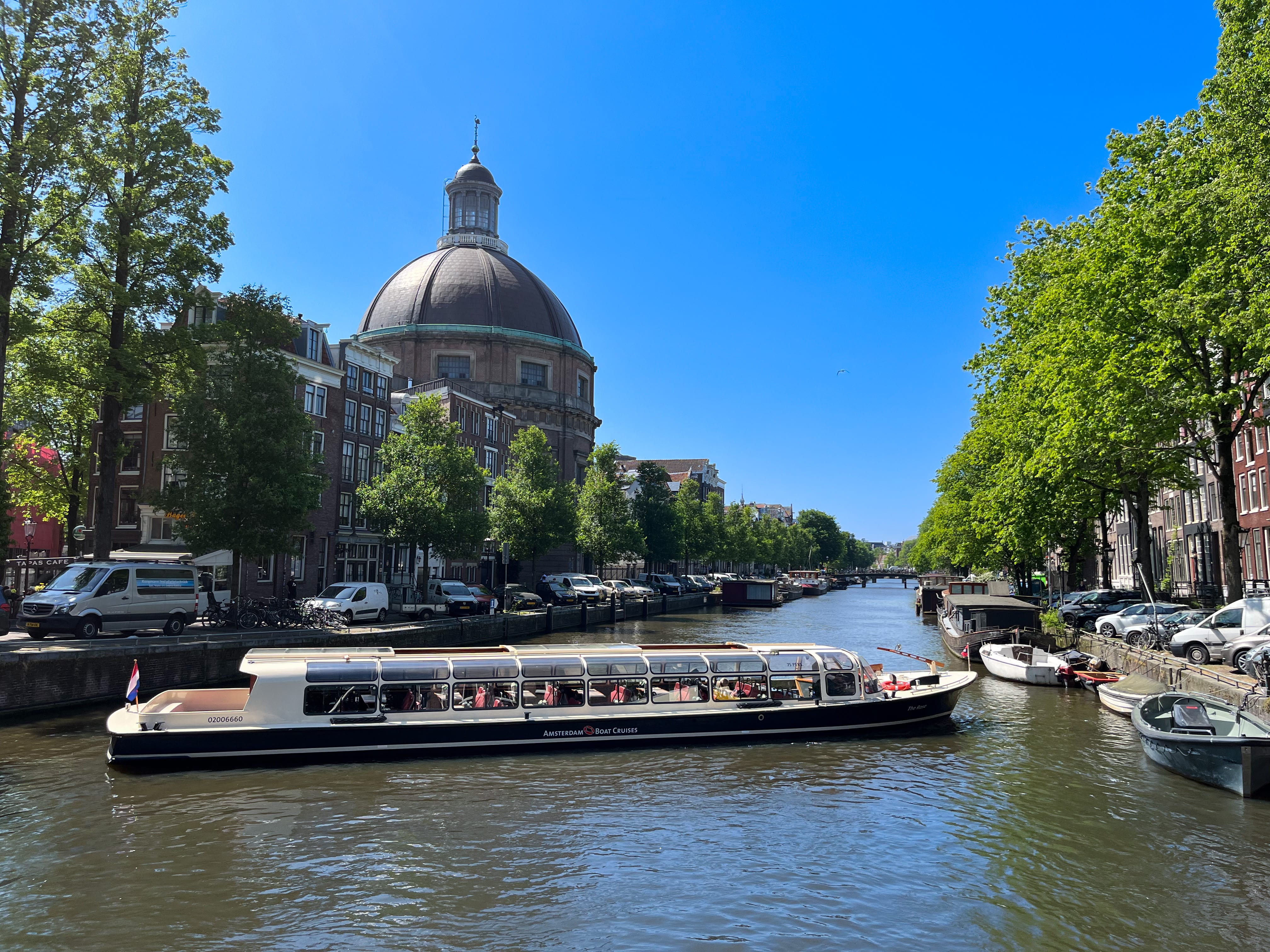
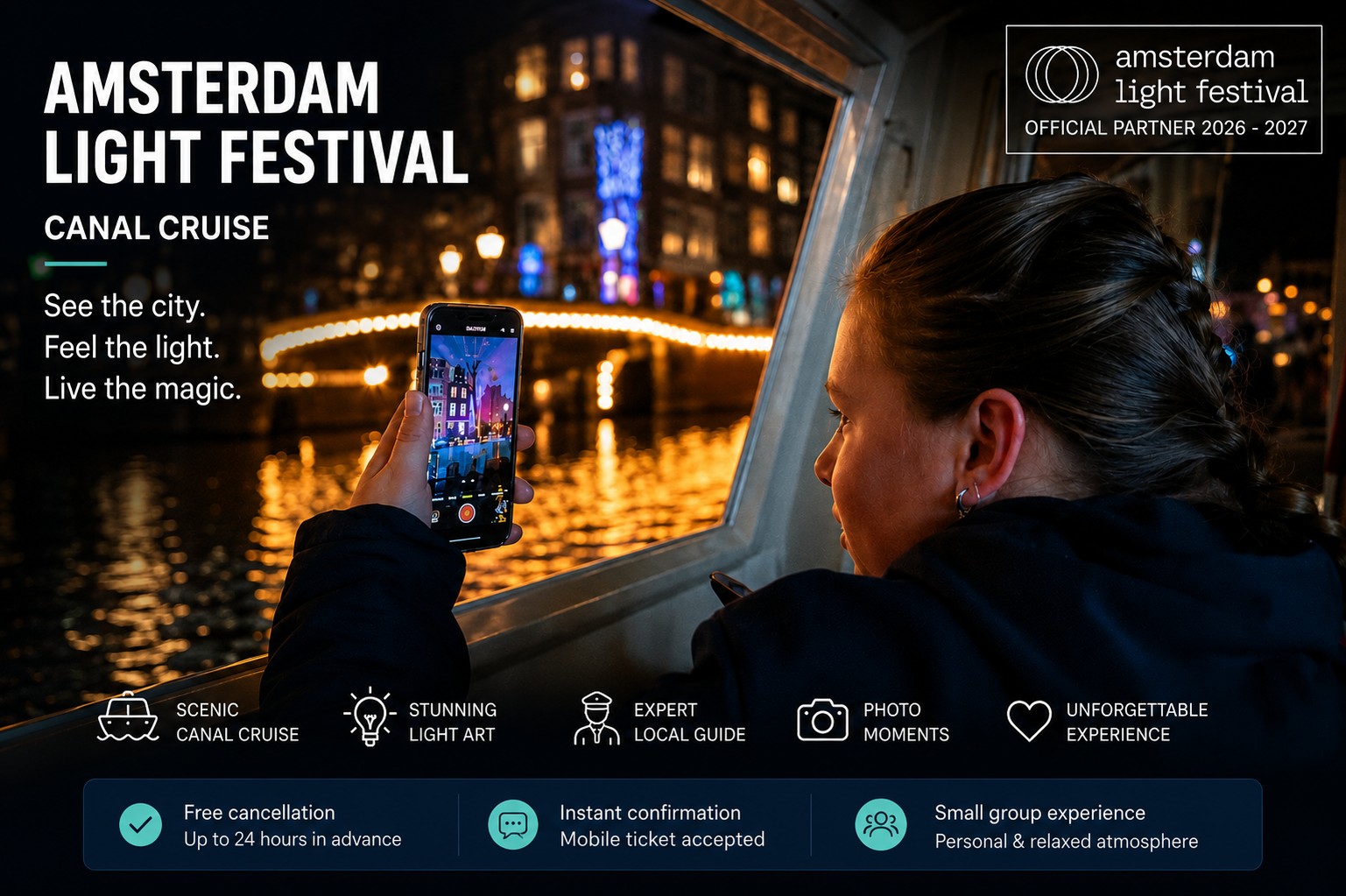






- Browse our wide range of experiences, including canal cruises, day trips to cities such as Paris and tickets for exclusive events, such as André Rieu concerts.
- Have you found an experience you would like to book? Click on it for more information.
Step 2: Choose a date and time
- On the page of your chosen experience, you will find the options to select the date and time that suit you best.
- Some experiences have several times or days available. Choose the option that best fits your planning.
Step 3: Select your ticket and enter your voucher code
After choosing a date and time, continue to the section where you can select your ticket.
Please note: each voucher can be used to book for one person. If you have two or more vouchers, you need to make a separate booking for each person.
Look for a field called ‘Voucher code’, ‘Promotion code’ or something similar. You will usually find this field in the booking overview or on the checkout page.
Enter your voucher code in this field. Please enter the code exactly as it was provided, as the field may be case-sensitive.
Step 4: Apply your voucher code
After entering the voucher code, click ‘Apply’, ‘Check’ or ‘Use voucher’. The exact wording may differ, but this is how your discount code is checked and applied.
Wait until the page has processed your voucher code. The total amount will then be adjusted based on the discount. Do you not see a discount? Please check whether you entered the code correctly and whether it is still valid.
Are you booking for several people with several vouchers? Repeat these steps for each person and make a separate booking per voucher.
Step 5: Enter the participant details
- Enter the required details for each participant. This may include names, contact details and any additional preferences or requests.
Step 6: Complete your booking
- Once the voucher code has been applied and all details have been entered, you can complete the booking.
- Check your booking details carefully to make sure everything is correct.
- Is everything correct? Click the button to confirm and complete your booking. This button may be called ‘Book now’ or ‘Confirm booking’.
Step 7: Receive your booking confirmation
- After completing your booking, you will receive a confirmation on the screen and by e-mail.
- This confirmation contains the details of your booking, including the location of the experience, the date, the time and other relevant information.
Help and support
- Are you having problems during the booking process or do you have any questions? Please feel free to contact our support team.
- Send an e-mail to [email protected] or call us on +31 (0)20 3300 684. We will be happy to help you.
We hope this guide helps you complete the booking process easily. We look forward to giving you an unforgettable experience with HopOn HopOff Holland. Enjoy your chosen day out!
*Please note: the voucher codes mentioned above are examples and may need to be checked for current validity.